Synthesize User Interviews with Claude Cowork's PM Plugin
Use AskDeeper to run async AI interviews, then Claude Cowork's /synthesize-research command to turn transcripts into JTBD themes, quotes, and product decisions.
TL;DR: Run an async AI interview in AskDeeper, export the transcripts, then run /synthesize-research from Claude Cowork's Product Management plugin. You'll have a structured insight report — themes, JTBD, quotes, and decisions — in roughly 90 minutes of active work. This post walks through the loop end-to-end.
Most product teams know the bottleneck in customer research isn't asking questions — it's everything that happens after. Scheduling calls. Sitting through 12 of them. Re-watching recordings. Tagging quotes in Dovetail or a Notion board. Writing the synthesis. Two weeks later, the moment to ship a decision is gone.
This post shows a workflow that compresses that loop to a single afternoon by chaining two AI tools end-to-end:
- AskDeeper — async, AI-moderated interviews. The respondents get adaptive follow-ups; you don't sit on the call.
- Claude Cowork's Product Management plugin — runs
/synthesize-researchon the resulting transcripts and produces a structured insight report you can drop straight into a PRD or roadmap doc.
What is the /synthesize-research command in Claude Cowork?
/synthesize-research is a slash command shipped by Anthropic in the Product Management plugin for Claude Cowork — the autonomous task module inside the Claude desktop app, alongside Chat. You point it at a folder of research artifacts — interview transcripts, survey results, observation notes — and it produces a structured synthesis: dominant themes, recurring jobs-to-be-done, representative quotes, contradictions, and recommended next steps.
Two properties matter here. First, it operates on local files on your machine — your raw transcripts stay on disk, and only the content Cowork actively processes is sent to Anthropic's API for synthesis. Second, because it runs inside a Cowork session, you can iterate: ask "regroup these themes by user segment" or "show me only quotes that contradict the dominant theme" and Claude re-synthesizes on the spot.
Why does this pair well with AskDeeper interviews?
The bottleneck in /synthesize-research quality is input quality. Garbage transcripts produce garbage syntheses, and most async survey tools (Google Forms, Typeform) collect surface-level "what" answers — never the "why" that makes a synthesis useful.
AskDeeper exists to solve that input problem. Each respondent talks to an AI moderator that adapts in real time: when someone says "I switched tools," the AI immediately asks "what specifically pushed you to switch — was it the price, a missing feature, a moment of frustration?" By the time you have 20 transcripts, every one of them has the depth that an unmoderated form never reaches.
So the chain becomes: AskDeeper produces depth at scale → /synthesize-research produces structure across the bundle. Each tool does the part it's good at.
How do you run the workflow end-to-end?
Here's the full loop, with timings from a recent run on n=18 respondents.
Step 1 — Draft the research goal in AskDeeper (10 min)
Open AskDeeper, click New Survey, and describe what you want to learn in plain English: "I want to understand why early-stage SaaS founders cancel their analytics tool within the first 90 days." AskDeeper drafts an interview script with 8–12 adaptive prompts. You review, edit, and publish.

Step 2 — Distribute the link, let respondents finish on their own (1–24 hr, parallel)
Drop the survey link in Slack, email, your community, or wherever your audience is. Each respondent does the interview at their own pace — usually 6–10 minutes per person, often on mobile. The AI moderator asks adaptive follow-ups in their language (EN/RU/ES) and posts back a transcript per respondent.
Critically, this step doesn't block your calendar. The 18-respondent run we benchmarked finished in 9 hours of wall-clock time, with zero hours of moderator time on our side.
Step 3 — Export transcripts as markdown (5 min)
Once you have enough responses (we recommend n=15–25 for a single research goal), open the Insights tab in AskDeeper and click Export → Markdown bundle. You get a folder structured like:
research-export/
  metadata.md              ← survey goal + script
  transcripts/
    respondent-001.md
    respondent-002.md
    ...
  insights/
    themes.md              ← AskDeeper's own first-pass synthesis
    quotes.md
Save the folder anywhere on your machine — ~/research/saas-churn-2026/ is a sensible convention.

Step 4 — Install Claude Cowork's Product Management plugin (one-time, 2 min)
If you don't have Cowork yet, it's bundled with any paid Claude subscription (Pro, Max, Team, Enterprise) — open the Claude desktop app and switch to the Cowork tab.
To install the plugin:
- In Cowork, open the sidebar and click Marketplace.
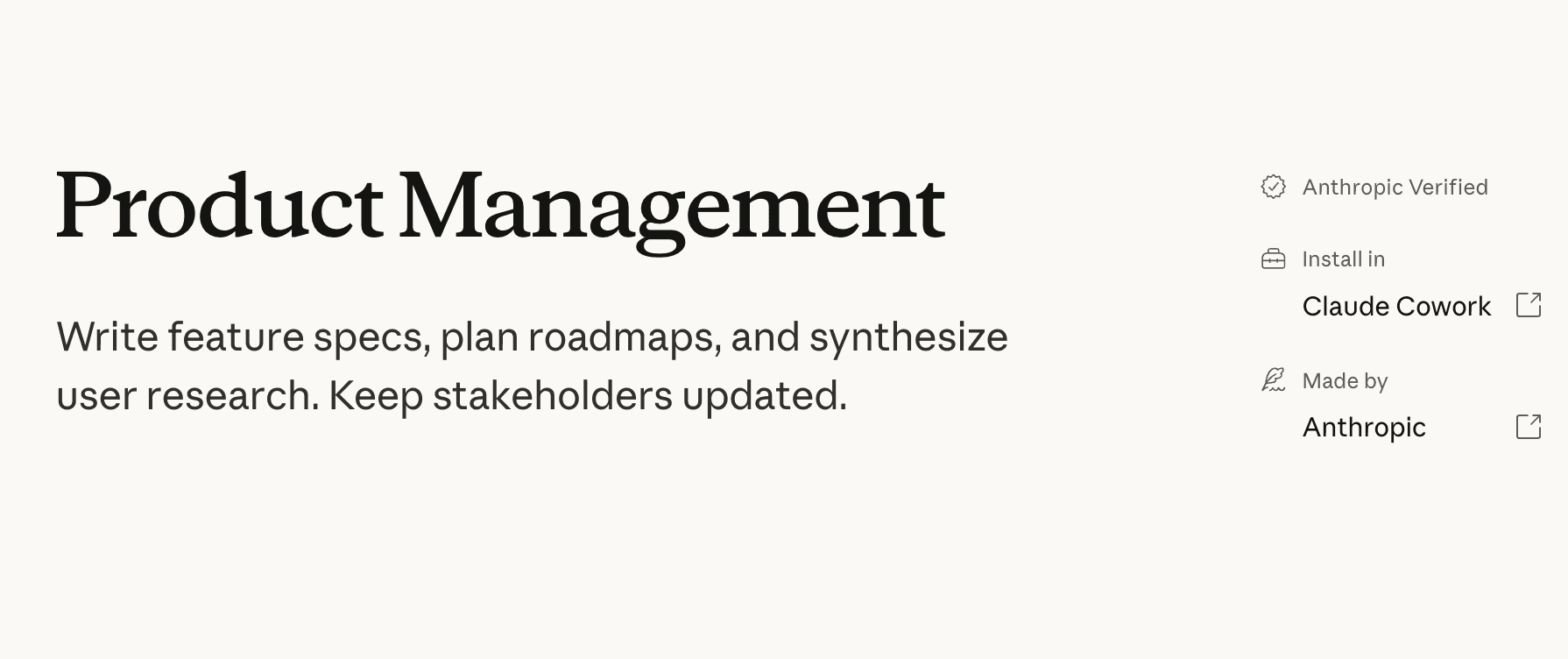
- Search for Product Management (made by Anthropic, marked Verified).
- Click Install, review the requested permissions, and click Authorize.
That's it. The plugin is now loaded for your account — /synthesize-research and the rest of the PM commands are available in any Cowork session.
Step 5 — Run /synthesize-research on the export folder (10 min)
Start a new Cowork session and attach the export folder (drag-and-drop or use the Attach files button). Then in the input:
/synthesize-research
Cowork reads every transcript in the folder, identifies recurring patterns, and produces a structured report. On our 18-respondent bundle this took about 4 minutes.

Step 6 — Iterate with follow-ups (30 min)
This is where the workflow earns its keep. The synthesis is a starting point, not an answer. Once Cowork finishes, ask follow-up questions in the same session:
- "Regroup these themes by company size — solo founder vs 2–10 person team."
- "Show me every quote where the respondent contradicts the dominant theme."
- "Draft three roadmap hypotheses we could validate based on this synthesis."
Each follow-up takes 10–30 seconds. Within half an hour you've stress-tested the synthesis from multiple angles and you have a draft you can paste into a PRD.
What does /synthesize-research actually output?
The command returns a structured markdown document with four standard sections, plus optional JTBD and segmentation if your input data supports them:
- Themes — usually 4–7 dominant patterns with a one-sentence summary and the count of respondents who expressed each.
- Representative quotes — 2–3 verbatim quotes per theme, each tagged with the respondent ID so you can trace back to the transcript.
- Contradictions — places where respondents disagreed or where one segment behaves differently. This is the most valuable section for product decisions.
- Recommended next steps — concrete actions, framed as hypotheses to validate, not conclusions.
A typical output for an 18-respondent run is 1,500–2,500 words. Long enough to be useful; short enough to read in one sitting.
When does this workflow shine?
Three contexts where AskDeeper + /synthesize-research consistently beats traditional research:
- Breadth-first research (n=15+) where you need pattern detection more than deep individual narratives. Pricing studies, churn investigations, feature prioritization.
- Multilingual studies — AskDeeper interviews in EN/RU/ES; the synthesis collapses everything into one English report you can share with the team.
- Time-boxed decisions — when a decision needs to ship by Friday and traditional research would arrive next month.
When should you NOT use this approach?
Skip it when the research is high-stakes, low-N, and trust-heavy. Three flags:
- Enterprise customer discovery with named accounts. A human moderator's empathy and ability to read the room still wins.
- Sensitive topics (mental health, financial distress, regulated industries) where respondents need a human in the loop.
- n < 8. With fewer than ~8 transcripts,
/synthesize-researchover-fits to individual quirks and the output becomes anecdotal rather than thematic.
For everything else — breadth, scale, multilingual, time-boxed — this two-tool chain replaces a workflow that used to take two weeks with one that fits in an afternoon.
Frequently asked questions
What is the /synthesize-research command in Claude Cowork?
It's a slash command from Anthropic's Product Management plugin for Claude Cowork. You point it at a folder of interview notes and survey data, and it produces structured insights — themes, jobs-to-be-done, representative quotes, and recommended next steps.
Why pair AskDeeper with Claude Cowork instead of using either alone?
AskDeeper solves the collection problem: AI-moderated async interviews scale to dozens of respondents in hours, not weeks. The PM plugin solves the synthesis problem inside Cowork — the same tab you use for autonomous work tasks. Together it's a complete research loop that fits in a single afternoon.
How long does the end-to-end workflow take?
Roughly 90 minutes of active work plus respondent wait time. 10 min survey draft, 1–24 hours respondent wall-clock (parallel), 5 min export, 10 min synthesis, 30 min iteration.
Do I need to be a developer to use Claude Cowork's PM plugin?
No. Cowork is built for knowledge workers — PMs, researchers, designers, founders. Plugin install is a two-click flow in the Cowork Marketplace, and the /synthesize-research output is plain markdown anyone on the team can read.
Is Claude Cowork free?
No. Cowork is included with any paid Claude subscription — Pro, Max, Team, or Enterprise. Plugin support launched as a research preview in early 2026 and is available to all paid tiers.
Can I run /synthesize-research on transcripts that are not from AskDeeper?
Yes. The command accepts any text-based research artifacts. AskDeeper just gives higher-quality input because the AI moderator already probed for the "why" during the interview.
When should you NOT use this workflow?
Enterprise customer interviews, sensitive topics, or n < 8. Async AI wins on breadth; live moderation still wins on depth with senior buyers.
Subscribe
Get new posts in your inbox. 1-2 emails per month, no fluff.
Thanks for reading.